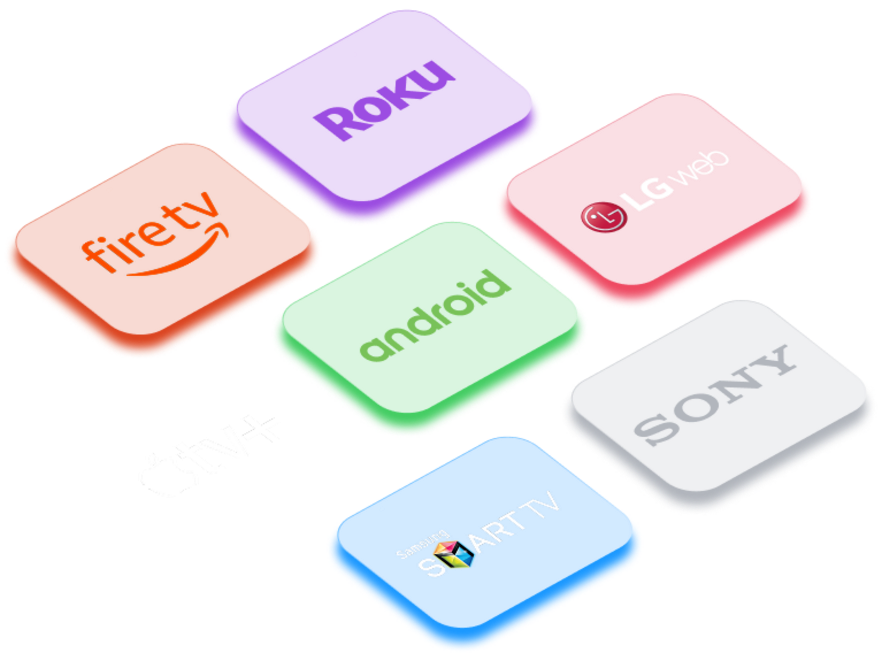
Getting Sonix IPTV up and running is straightforward on any device. Follow the guide for your device below, and you’ll be streaming 80,000+ channels in no time. Can’t find what you need? We’re here.
Can't Find Your Device?
Don’t see your device listed here? No problem. Our support team has helped customers set up Sonix IPTV on virtually every screen imaginable. Contact u,s directly and we’ll walk you through it personally — step by step.
If you’re unsure which app to use or how to enter your credentials, our team has detailed guides for TiviMate, IPTV Smarters, XCIPTV, GSE Smart IPTV, and more. Reach out and we’ll send you exactly what you need.
Find quick answers about Sonix IPTV, including plans, devices, streaming quality, and setup. These FAQs help you understand how Sonix IPTV works and what to expect before subscribing.
What is Sonix IPTV?
Sonix IPTV is a premium streaming service that delivers live TV channels, movies, and on-demand content through the internet — no satellite or cable required.
How do I start using Sonix IPTV?
Choose a subscription plan that fits your needs, complete your payment via PayPal, and you’ll receive your Xtream Codes and M3U link by email. Simply enter them into your IPTV player, and you’re ready to stream.
What if I need help or have technical issues?
Our 24/7 customer support team is always available to assist you with setup, troubleshooting, or account questions.
Is Sonix IPTV safe and secure?
Yes. We use encrypted servers and secure payment systems to protect your privacy and ensure a safe streaming experience.