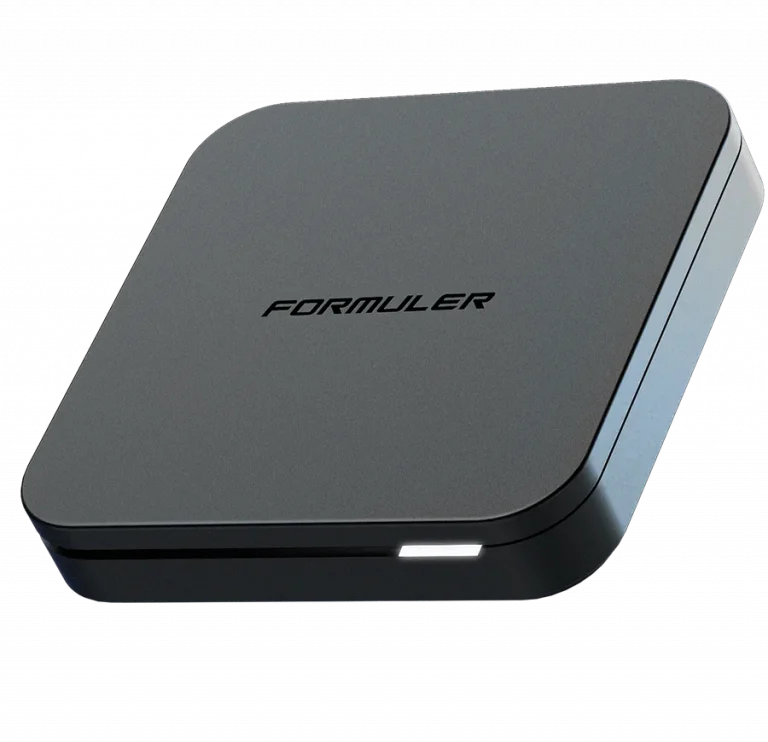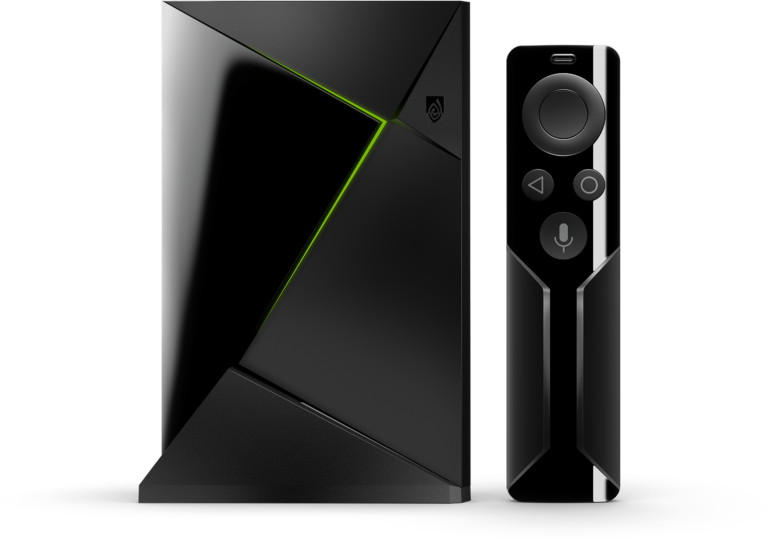


Android TV gives you direct access to the Google Play Store, making Sonix IPTV setup the fastest and most straightforward of any platform. No sideloading required.
🟣 Step 1: Choose Your Android TV Player
Option A: IPTV Smarters Pro — The Free Way
Available directly from the Google Play Store. Search “IPTV Smarters Pro” and install.
- Best for: Users who want a clean, easy setup with full VOD and EPG support right out of the box.
Option B: TiviMate — The Premium Experience
Available on the Google Play Store. Search “TiviMate IPTV Player” and install.
- Best for: Users who want a high-end cable-TV style interface with ultra-fast channel switching and multi-screen viewing.
🟣 Step 2: Connecting to Sonix IPTV
- Open your chosen app and select “Login with Xtream Codes API”
- Enter the details from your Sonix IPTV welcome email:
- Any Name:
Sonix IPTV - Username: (See your email)
- Password: (See your email)
- Server URL: (See your email)
- Any Name:
- Click “Add User” or “Confirm” to load your full Sonix IPTV channel list
🟣 Comparison: Android TV Player Options
| Feature | IPTV Smarters Pro | TiviMate |
|---|---|---|
| Download Source | Google Play Store | Google Play Store |
| Interface | Modern & Easy | Professional / Cable Style |
| Multi-Screen | Standard | ⚡ Advanced (Up to 4) |
| Zapping Speed | Fast | Ultra-Fast |
| EPG TV Guide | ✓ Included | ✓ Advanced EPG |
| Setup Ease | Simple | Intermediate |
🟣 Pro Tips for Android TV Streaming
⚙️ Enable Hardware Decoding
In your app settings turn on “Hardware Decoding” for smooth 4K playback without overloading your device processor.
🔄 Clear Cache Regularly
If channels feel slow to load, go to Settings > Apps > Your IPTV App > Clear Cache. This keeps Sonix IPTV running at peak performance.
🔒 Use a VPN
A VPN prevents ISP throttling during big live sports events and keeps your Sonix IPTV stream fast and private at all times.
🆘 Need Assistance?
Our support team is available 24/7 to help with any Android TV setup questions.
👉 Contact Sonix IPTV Support: SonixIPTV.cc/contact